Dettaglio Prodotto
- Home
- Shop

Scheda tecnica:
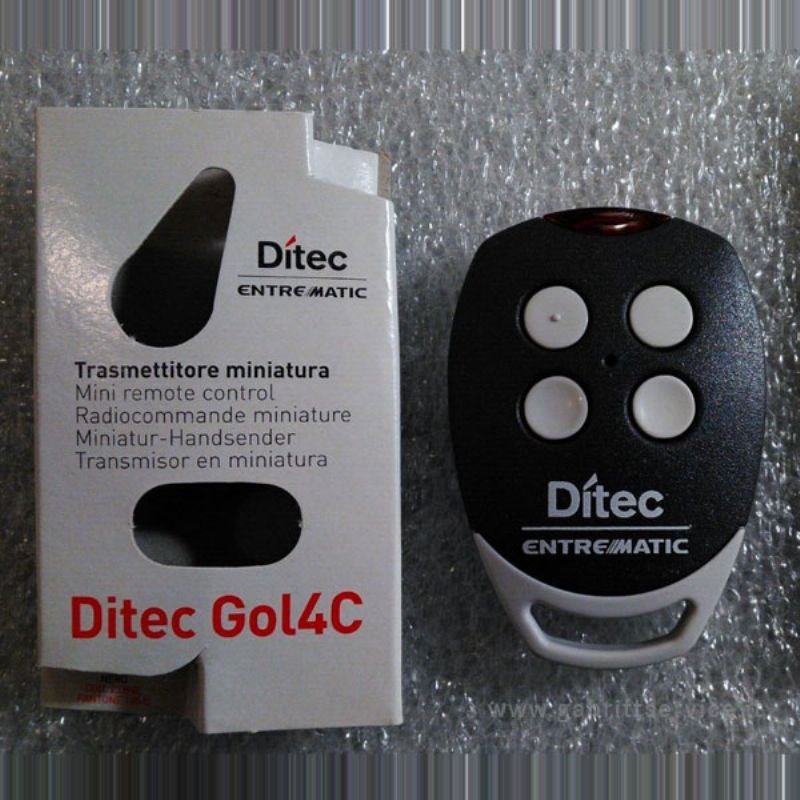
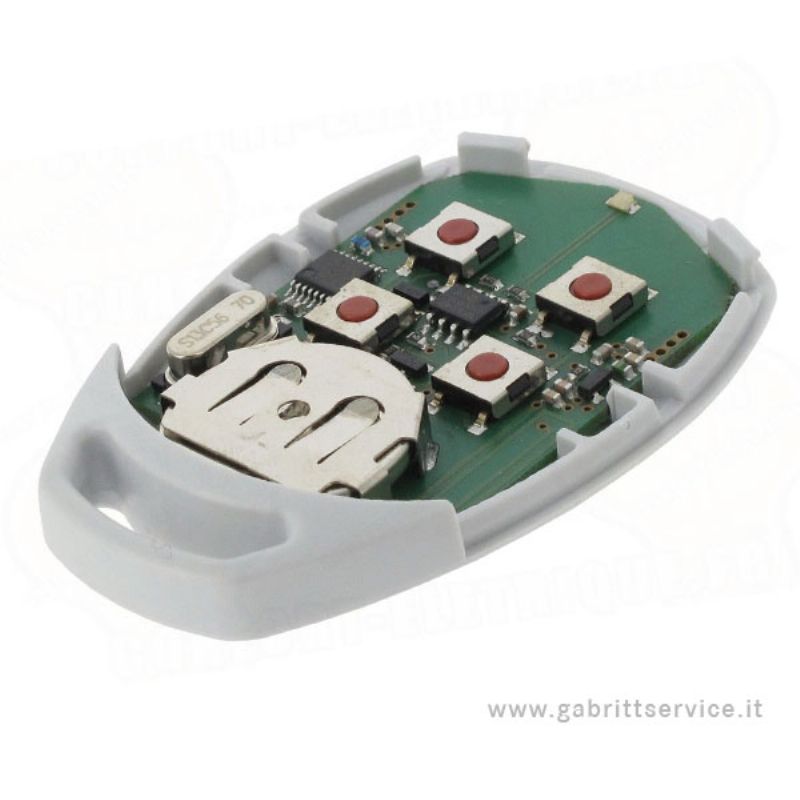
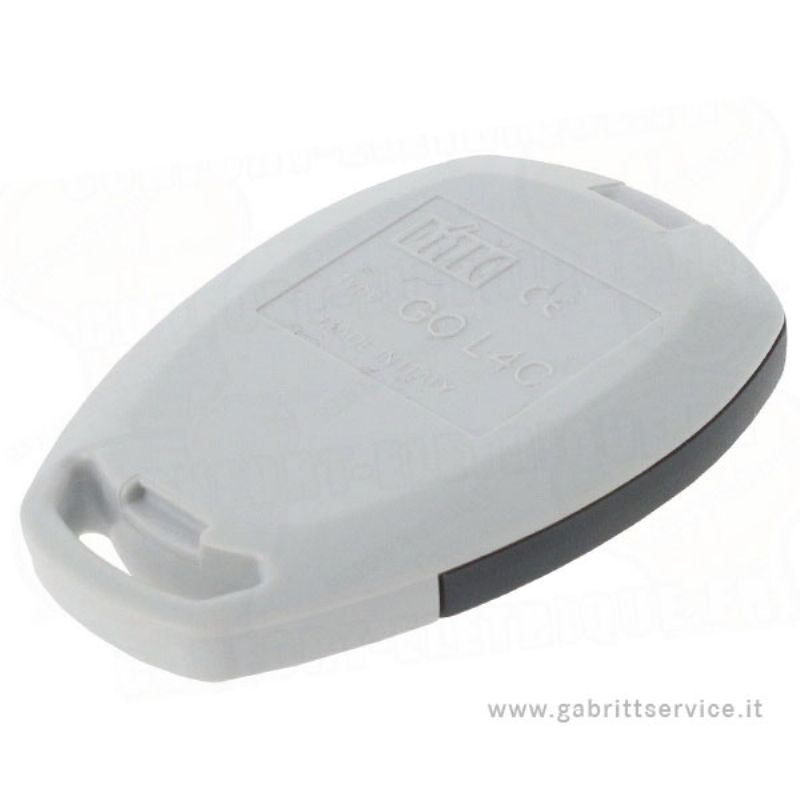
Ditec Gol 4C Radiocomando
codice fisso - bixls2/gol4c
Frequenza: Fm 433,92 MHz
Codifica a partire da un radiocomando già in funzione.
Numero dei tasti: 4
Programmazione del nuovo telecomando:
Esistono diversi metodi per programmare il nuovo telecomando.
Da un telecomando già programmato:
1. Premi contemporaneamente i due pulsanti superiori del nuovo telecomando per 5 secondi. La
luce LED sul telecomando si illumina.
2. Nei successivi dieci secondi, prendi un DITEC GOL4C o BIXLS2 (versione precedente) già programmato (e già in uso) e posiziona la testa del telecomando esattamente al
centro dei quattro pulsanti del nuovo telecomando (figura 1). Premi un pulsante del
telecomando già programmato e tienilo premuto.
3. La luce LED sul nuovo telecomando lampeggia tre volte.
4. Il nuovo telecomando è programmato.
Dal ricevitore:
1. Apri l'involucro del ricevitore. Si trova accanto al motore.
2. Sulla scheda del circuito del ricevitore, premi il pulsante di programmazione (PRG). La luce LED sul
ricevitore si illumina. Rilascia il pulsante.
3. Premi un pulsante sul tuo nuovo telecomando. Tienilo premuto. La luce LED del ricevitore lampeggia e poi rimane accesa fissa. Rilascia il pulsante.
4. Il tuo nuovo telecomando è programmato.
Manuale di programmazione
Per cancellare i telecomandi:
1. Premere il pulsante di programmazione (PRG) sul ricevitore. Tenerlo premuto. La luce LED sul ricevitore si illumina.
Rilasciare il pulsante.
2. Per cancellare tutti i telecomandi, premere di nuovo il pulsante PRG per 3 secondi.
3. Per cancellare un solo telecomando, premere i pulsanti che si utilizzano sul telecomando.
4. La luce LED sul ricevitore lampeggia velocemente.
5. I telecomandi vengono cancellati.
Programming of your new remote control:
There are several methods for programming your new remote control.
From a remote control that has already been programmed:
1. Press the top two buttons on your new remote control simultaneously for 5 seconds. The
LED light on the remote control illuminates.
2. In the next ten seconds, take a DITEC GOL4C or BIXLS2 (older version) that has already been
programmed (and that is already in use) and place the head of the remote control exactly in
the middle of the four buttons on the new remote control (figure 1). Press a button on the
already-programmed remote control and keep it pressed down.
3. The LED light on the new remote control flashes three times.
4. Your new remote control is programmed.
From the receiver:
1. Open the casing of your receiver. It is located next to your motor.
2. On the receiver circuit board, press the programming button (PRG). The LED light on the
receiver illuminates. Let the button go.
3. Press a button on your new remote control. Keep it pressed down. TheLED light of the
receiver blinks and then remains lit fixedly. Let the button go.
4. Your new remote control is programmed.
Programming Manual
To erase your remote controls:
1. Press the programming button (PRG) on your receiver. Keep it pressed down. The LED light
on the receiver illuminates. Release the button.
2. To erase all your remote controls, press the button PRG again for 3 seconds.
3. To erase only one remote control, press the buttons you use on your remote control.
4. The LED light on the receiver blinks fast.
5. The remote controls are erased.
Scheda tecnica:
Ditec Gol 4C Radiocomando
codice fisso - bixls2/gol4c
Frequenza: Fm 433,92 MHz
Codifica a partire da un radiocomando già in funzione.
Numero dei tasti: 4
Programmazione del nuovo telecomando:
Esistono diversi metodi per programmare il nuovo telecomando.
Da un telecomando già programmato:
1. Premi contemporaneamente i due pulsanti superiori del nuovo telecomando per 5 secondi. La
luce LED sul telecomando si illumina.
2. Nei successivi dieci secondi, prendi un DITEC GOL4C o BIXLS2 (versione precedente) già programmato (e già in uso) e posiziona la testa del telecomando esattamente al
centro dei quattro pulsanti del nuovo telecomando (figura 1). Premi un pulsante del
telecomando già programmato e tienilo premuto.
3. La luce LED sul nuovo telecomando lampeggia tre volte.
4. Il nuovo telecomando è programmato.
Dal ricevitore:
1. Apri l'involucro del ricevitore. Si trova accanto al motore.
2. Sulla scheda del circuito del ricevitore, premi il pulsante di programmazione (PRG). La luce LED sul
ricevitore si illumina. Rilascia il pulsante.
3. Premi un pulsante sul tuo nuovo telecomando. Tienilo premuto. La luce LED del ricevitore lampeggia e poi rimane accesa fissa. Rilascia il pulsante.
4. Il tuo nuovo telecomando è programmato.
Manuale di programmazione
Per cancellare i telecomandi:
1. Premere il pulsante di programmazione (PRG) sul ricevitore. Tenerlo premuto. La luce LED sul ricevitore si illumina.
Rilasciare il pulsante.
2. Per cancellare tutti i telecomandi, premere di nuovo il pulsante PRG per 3 secondi.
3. Per cancellare un solo telecomando, premere i pulsanti che si utilizzano sul telecomando.
4. La luce LED sul ricevitore lampeggia velocemente.
5. I telecomandi vengono cancellati.
Programming of your new remote control:
There are several methods for programming your new remote control.
From a remote control that has already been programmed:
1. Press the top two buttons on your new remote control simultaneously for 5 seconds. The
LED light on the remote control illuminates.
2. In the next ten seconds, take a DITEC GOL4C or BIXLS2 (older version) that has already been
programmed (and that is already in use) and place the head of the remote control exactly in
the middle of the four buttons on the new remote control (figure 1). Press a button on the
already-programmed remote control and keep it pressed down.
3. The LED light on the new remote control flashes three times.
4. Your new remote control is programmed.
From the receiver:
1. Open the casing of your receiver. It is located next to your motor.
2. On the receiver circuit board, press the programming button (PRG). The LED light on the
receiver illuminates. Let the button go.
3. Press a button on your new remote control. Keep it pressed down. TheLED light of the
receiver blinks and then remains lit fixedly. Let the button go.
4. Your new remote control is programmed.
Programming Manual
To erase your remote controls:
1. Press the programming button (PRG) on your receiver. Keep it pressed down. The LED light
on the receiver illuminates. Release the button.
2. To erase all your remote controls, press the button PRG again for 3 seconds.
3. To erase only one remote control, press the buttons you use on your remote control.
4. The LED light on the receiver blinks fast.
5. The remote controls are erased.
Una volta effettuato l'ordine ed il pagamento verificheremo la correttezza dei dati immessi e l'avvenuto buon fine del pagamento. A quel punto procederemo come segue:
Titolare del trattamento dei dati personali:
Per qualsiasi altra informazione non esiti a contattarci
Chiamaci allo 075 8783331 o inviaci una richiesta